Attention: Everyone wanting to get better using Google apps- this is for you!
Gain the skills and confidence you need in this updated signature course!
The Get Going with Google is a 3-session live, interactive workshop designed to guide you through readily available, free, amazing tech features and tools you can use right away.
Are you craving help to finally figure out how to use the FREE Google apps everyone else seems to have figured out?
I keep class size small to provide plenty of individualized help!

Course Details
Schedule: Tuesdays, March 3, 10 & 17 from 1:00–2:30 PM ET
Format: 3 live 90-minute Zoom sessions with time for practice
All sessions are recorded and available for replay
Spots: Limited to 15 participants
Investment- $297.00
Save $100 if you’re a member of the Tech Life Inner Circle
(reach out to Joan- Joan@innovativespeech.com for a coupon code)
Bonus: 1 private 30-minute Zoom strategy session with Joan
Instructor: Joan Green, M.A., CCC-SLP – Speech-language pathologist, assistive technology specialist, and founder of Innovative Speech Therapy.
With nearly four decades of experience, Joan brings a uniquely practical approach that blends assistive technology, speech pathology, and executive functioning strategies with the latest innovations in AI. Her teaching style is clear, engaging, and supportive—designed to help individuals of all ages overcome communication, cognitive, literacy, and learning challenges. Joan is passionate about showing families, educators, caregivers, and professionals how to harness affordable, everyday tech tools to improve independence, productivity, and quality of life.
Certificate of Completion: Available upon request
Join us to explore how to:
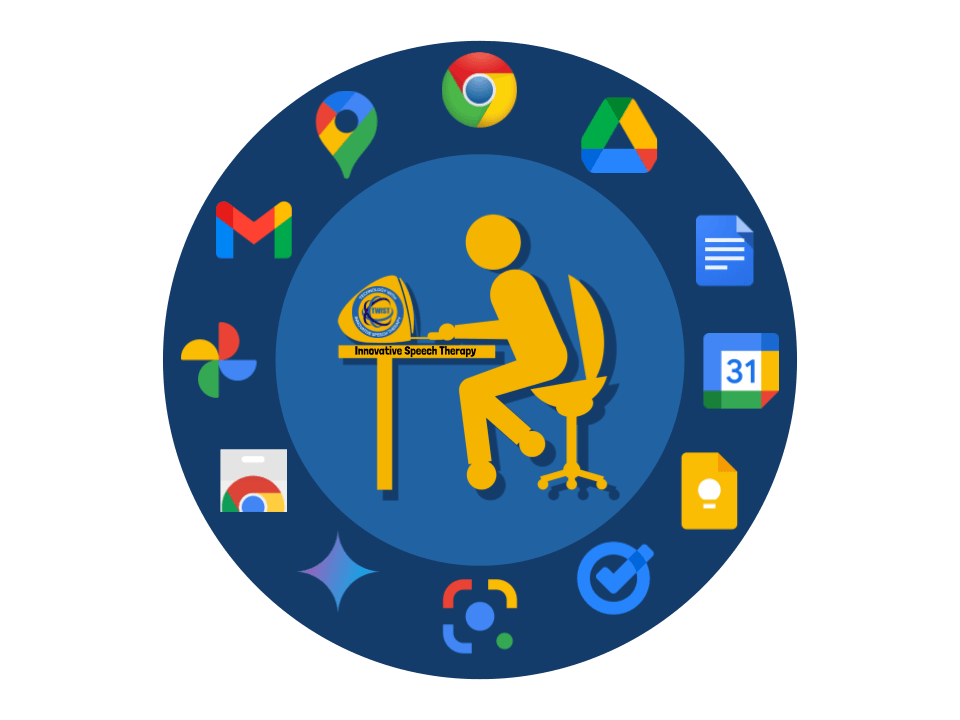
Access documents in Google Drive from any device, any time
Learn to share and collaborate with others on Google Docs
Organize, store and edit files online or offline and safeguard confidential papers
Snooze emails, use labels, and get off subscription lists to minimize the clutter and conquer email overwhelm
Color code and use different view options with Google Calendar(s), Tasks and Keep to help you stay on track and get better organized.
"Bookmark" websites for easy access and sign into Chrome to use all your Google apps from any device
Use voice typing in Google Docs if speaking is easier than typing
Reformat and listen to text read aloud in Chrome
Learn about many ways Gemini can make things easier now that it's built into the free apps!
"After this course, I was so relieved to be able to find the Google Docs others shared with me and understand how to help my kids stay more organized and efficient! An added benefit was that I was finally able to move from my paper calendar to Google Calendar. It's been a game changer!”
Who Should Join?
Parents: Bridge the gap between the Microsoft apps you know and the Google-centric world your kids use at school every day.
Students: Create a personalized organization system to stay efficient, manage deadlines, and excel in a digital-first environment.
Lifelong Learners: Simplify your technology use and boost your digital confidence with tools designed to make your life more organized and productive.
Before the Course
Overwhelmed by constantly changing apps and confusing settings
Feeling left behind
Frustrated by digital clutter and not knowing where to start
Embarrassed by gaps in everyday tech skills
Discouraged by not even knowing what options exist and where to go for help
After the Course 🤩
Confident using the major Google apps on a computer or mobile device and aware of the powerful features already built in
Relieved to finally have practical strategies for staying organized and more efficient
Informed but cautious about using Gemini — understanding where it fits into daily life without feeling overwhelmed
Technology doesn’t have to be overwhelming. With the right guidance, Google’s everyday apps can become powerful tools for staying organized, communicating clearly, and working more efficiently across school, work, and daily life.
“I used to feel embarrassed and frustrated when I reached out to ask for help with technology, but Joan makes it feel safe and even fun to learn. Every time I attend one of her sessions, I walk away saying, ‘That was great!’ She helps me feel more confident and capable, and I know all her courses will help others feel the same way.”
“Clear, practical, and empowering. This course finally made Google Apps make sense.”